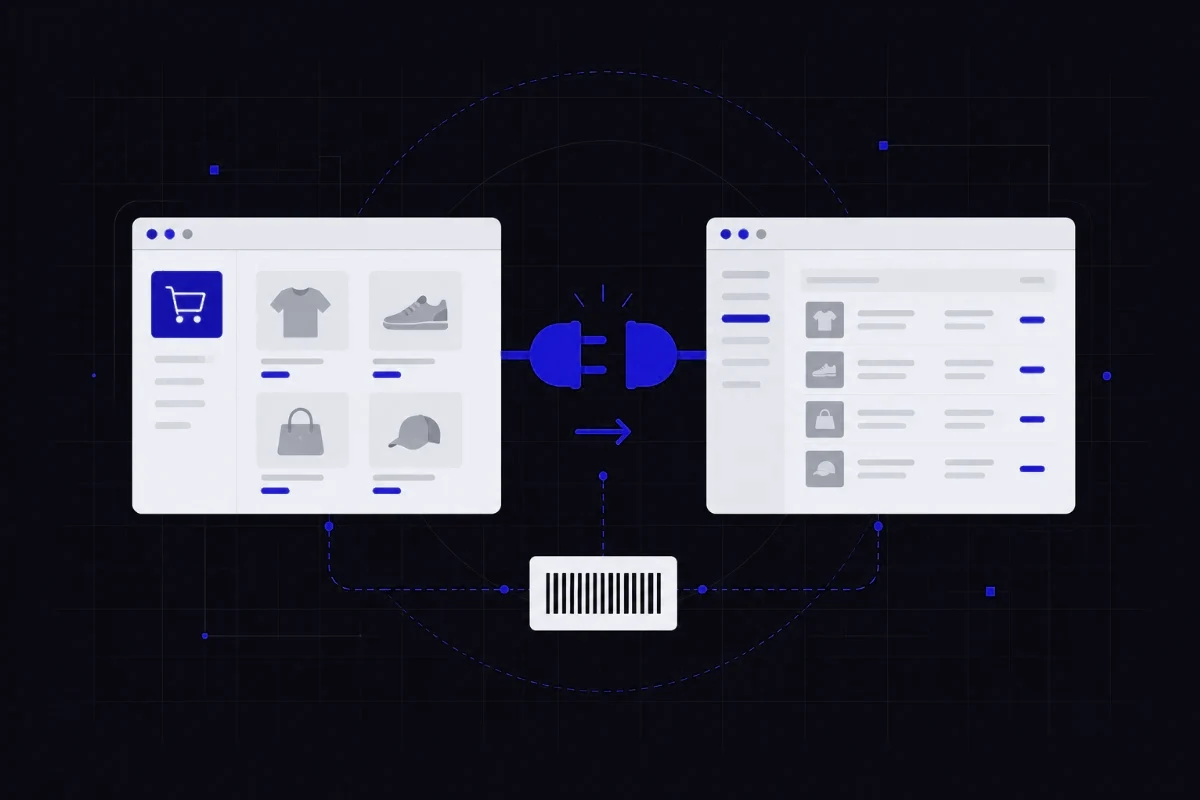
Your product is already in your webshop. In that case, you do not want to constantly switch to another application to create a description, collect photos, and copy the results back.
With the Data Enricher modules, you bring those steps into your own working environment. You start at the product, have information completed, and review what you want to use.
PrestaShop: Working from the Product Page
For PrestaShop, there are downloads for the supported versions within the 1.7, 8, and 9 series. Choose the download in your account that matches your installation; the installation instructions are also located there.
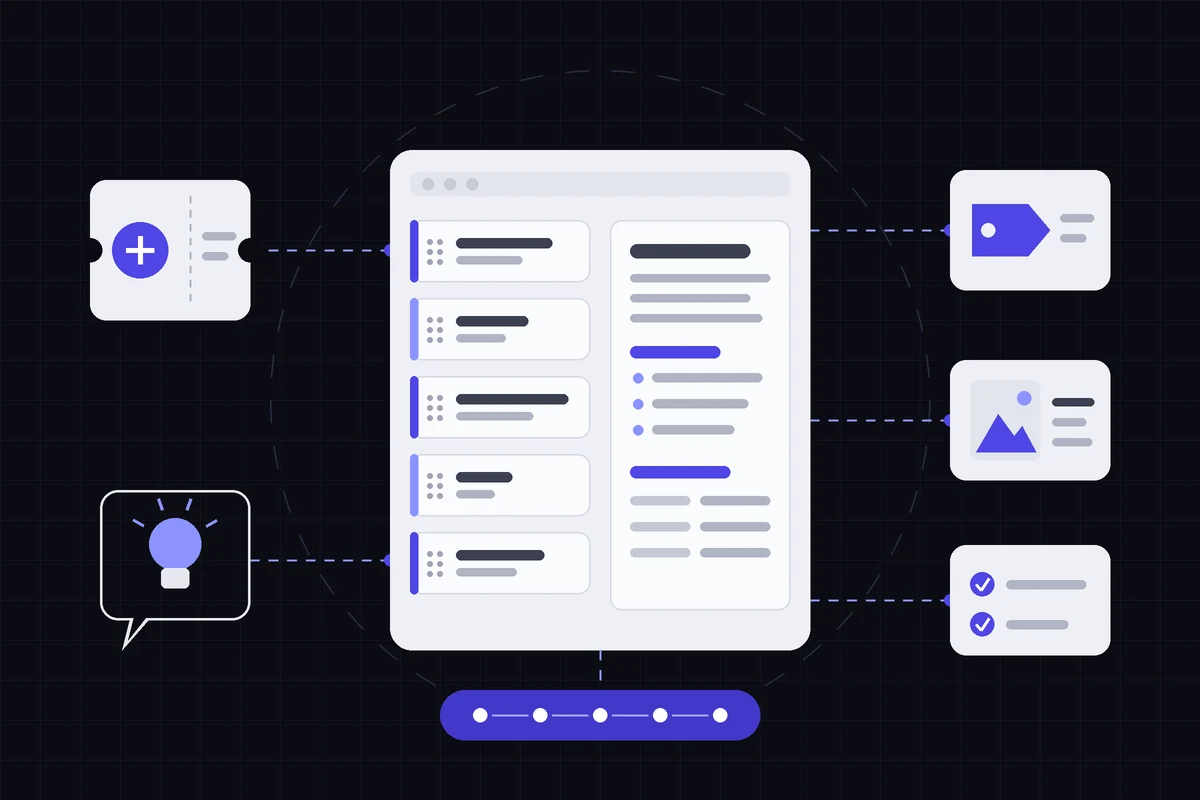
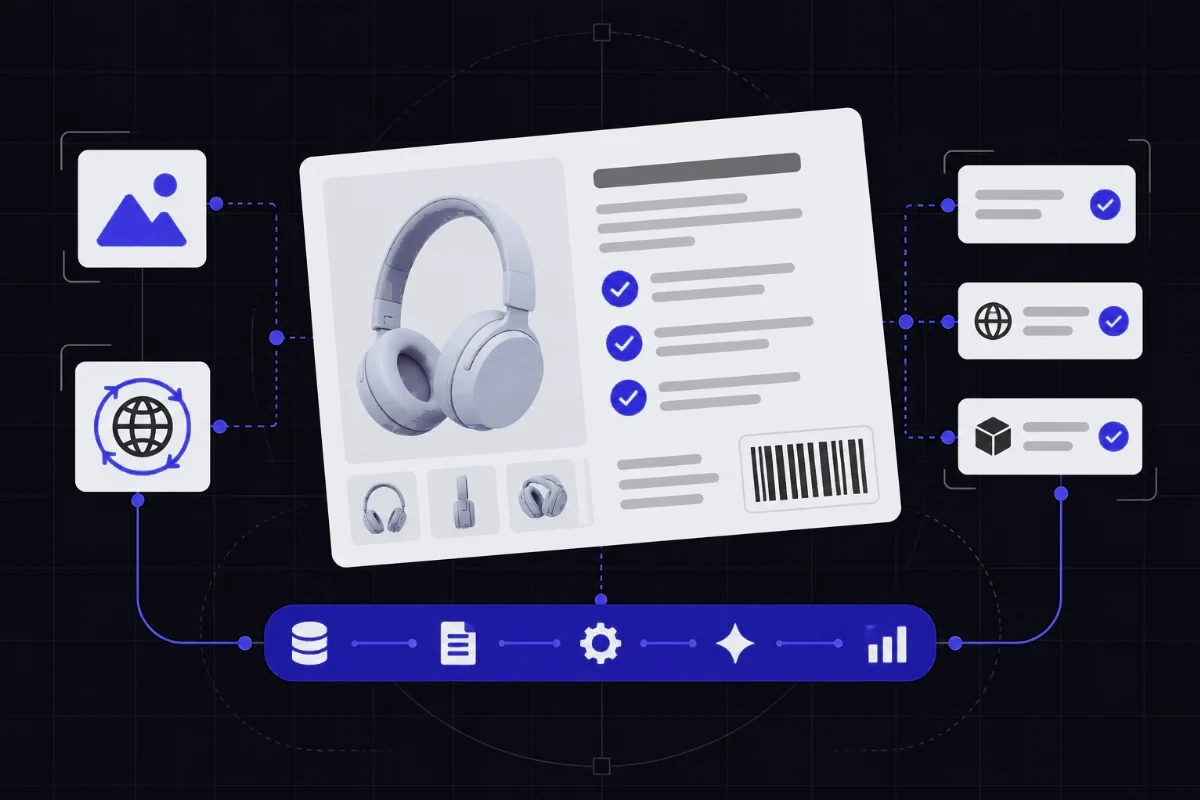
From the product page in the back office, you can have texts, photos, and specifications suggested. Therefore, you do not need to gather every part yourself from separate sources.
Are you working on multiple products? For PrestaShop 8 and 9, you can also process a selection or category as a batch. That work runs in the background. Afterward, you review the results per product.
Odoo: Enriching in Your Existing Environment
For Odoo 19, the integration consists of EnrichAI and EnrichAI Website. EnrichAI helps you supplement product information, texts, and photos from within Odoo.
If you also use the webshop app, EnrichAI Website adds an enrichment button to the corner menu of the product pages. This way, you can also start the enrichment while working on the webshop.
In Odoo as well, you can process multiple products in the background and view the proposals before accepting them.
Review First, Then Use
A good product page requires more than just a lot of text. The content must fit the correct variant, the photos must show the intended product, and the description must be clear to your customers.
Therefore, keep these points in mind during the review:
- Are the brand, model, and version correct?
- Are the proposed photos suitable for this product page?
- Are the specifications clear and relevant?
- Does the text match the language and tone of your webshop?
This is how you combine less manual labor with mindful control over the content.
Downloading Your Integration
Log in to your account for the available downloads, your API key, and the installation guide. There you will also find the integrations for WooCommerce and Magento.
Don't have an account yet? Register or try a product first in the demo. For your own integration, you can check the API documentation.